AI
Profound Went From $1B to $1.8B in Seven Months by Selling Brands a Seat Inside AI Answers
Profound raised a $180M Series D at a $1.8B valuation to get brands named inside ChatGPT, Gemini and Perplexity answers — the AI-era rewrite of SEO.

Professional UI design platform with Figma Make for prompt-to-prototype design
Figma is the collaborative design tool most product teams use for UI design, prototyping and design systems. Figma Make turns text prompts into editable multi-screen layouts and interactive prototypes, and AI credits power its other AI features. Make needs a paid full seat.
The deepest professional tool, with AI that fits real workflows; harder to learn, and the mobile apps are mainly for viewing and mirroring.
See all Figma alternatives, ranked →
Canva vs FigmaGoogle Stitch vs FigmaAdobe Express vs Figma
Profound raised a $180M Series D at a $1.8B valuation to get brands named inside ChatGPT, Gemini and Perplexity answers — the AI-era rewrite of SEO.
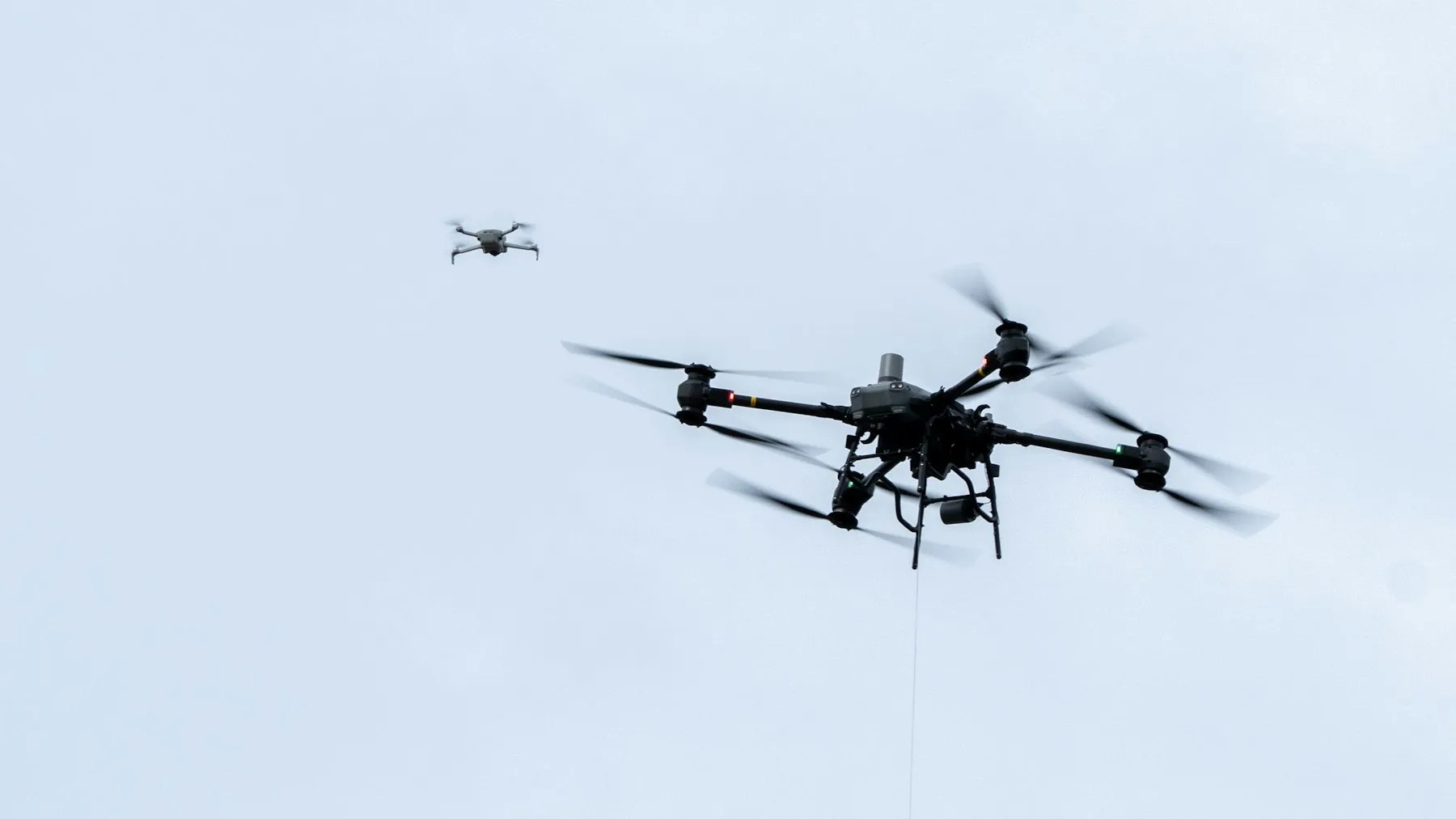
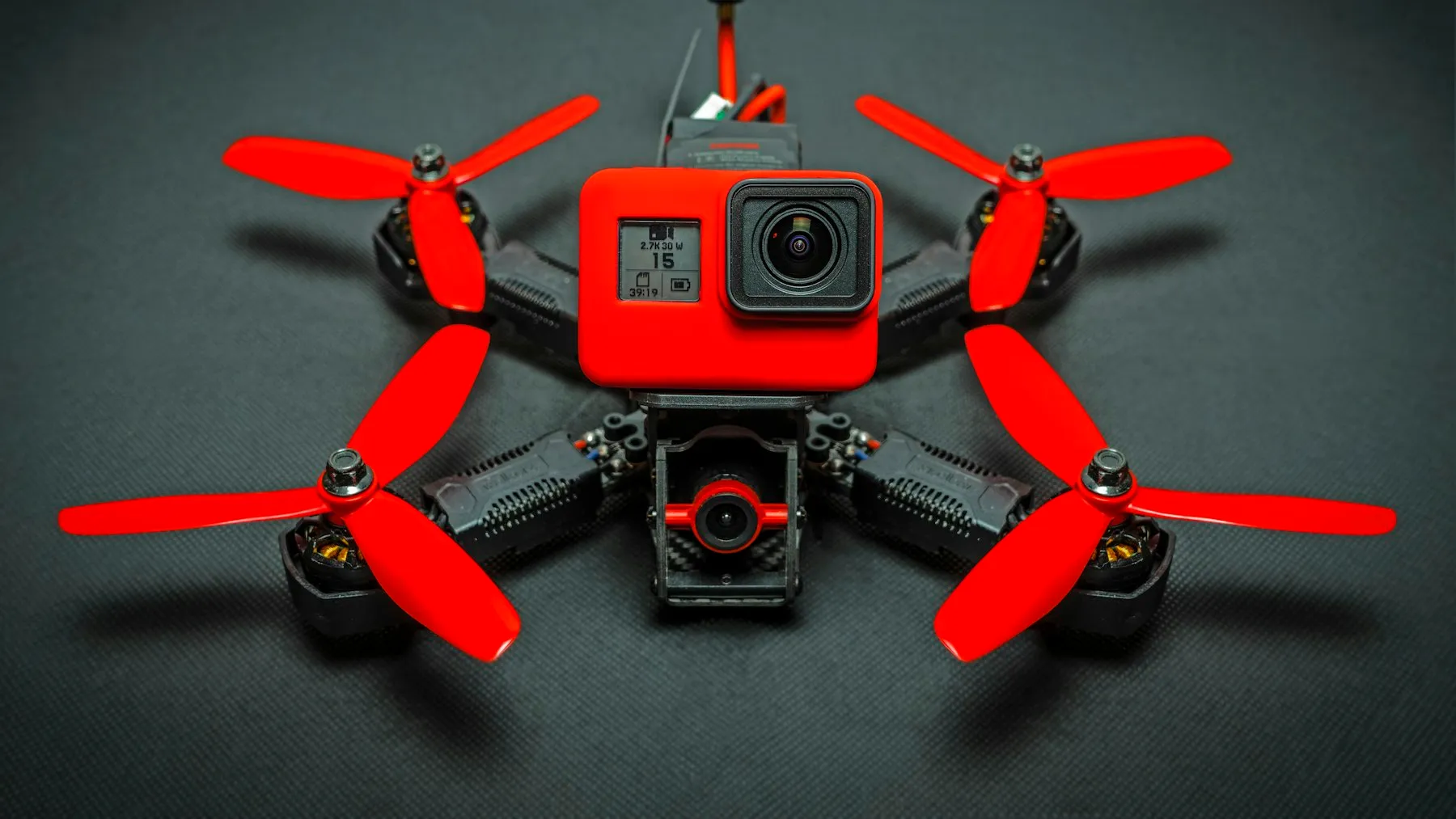
Neros, a three-year-old drone startup, raised a $250M Series C at a $2.5B valuation to mass-produce a million American-made combat drones a year by 2028.
Neros just raised $250M at a $2.5B valuation—roughly triple its worth nine months ago—to scale toward a million American-made drones a year by 2028.