
🧠 WHY THIS MATTERS
- Climate impact: Buildings consume 40% of global energy - monitoring apps can reduce this by 15-30%
- Cost savings: The average household wastes $200-400 annually on unnecessary energy use
- Developer opportunity: Energy tech is projected to be a $1.3 trillion market by 2030
- Real impact: Your code could literally help save the planet while building a profitable career
📊 DEEP DIVE: BUILDING ENERGY MONITORING APPS
Section 1: Understanding the Energy Stack 🎯
What: The complete technology stack from power generation to your smartphone
Why: You can't monitor what you don't understand. Energy flows through generation → transmission → distribution → consumption
Example: A solar panel generates DC power → inverter converts to AC → smart meter measures → your app visualizes
Practical Tip: Start with consumption monitoring (easiest) before tackling generation or grid-level data
Section 2: Data Sources and APIs ⚡
What: Where to get energy data - from simple to complex
Why: Good data = useful app. Bad data = useless app
Example:
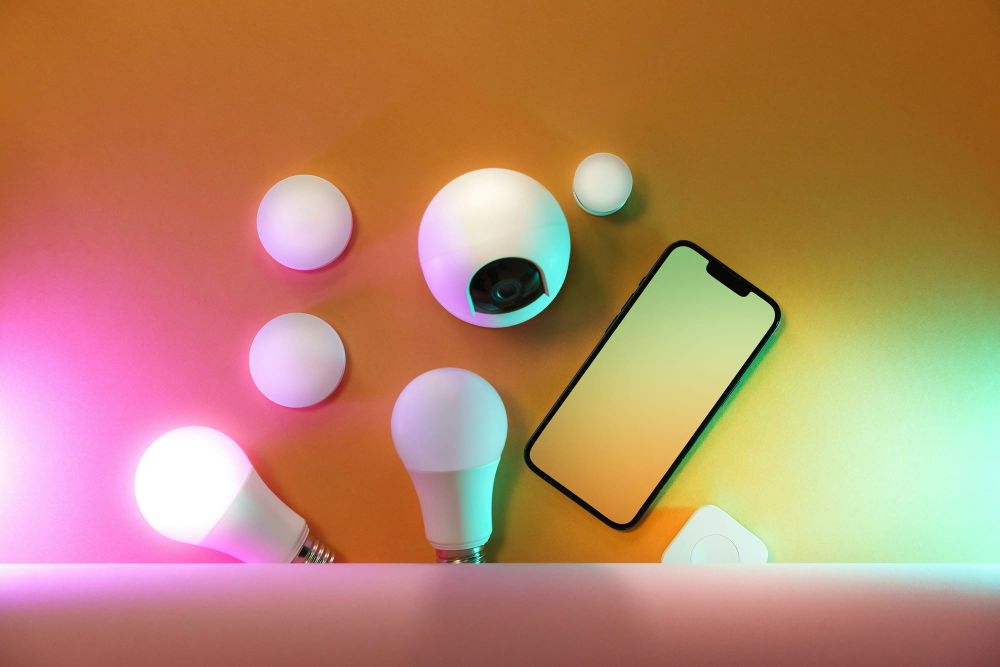
- Simple: Smart plug APIs (TP-Link Kasa, Wemo)
- Intermediate: Smart meter APIs (Sense, Emporia Vue)
- Advanced: Utility APIs (PG&E, National Grid) or IoT sensors
Practical Tip: Start with mock data or simple APIs. Don't get bogged down in utility API bureaucracy initially
Section 3: Core Features Every App Needs 🔒
What: The must-have features users actually want
Why: Feature bloat kills adoption. Focus on what matters
Example:
1. Real-time monitoring (what's using power right now?)
2. Historical trends (how did usage change over time?)
3. Cost calculations (translate kWh to dollars)
4. Alerts (unusual usage detected)
5. Recommendations (turn off X to save Y)
Practical Tip: Build features 1-3 first. They provide 80% of the value with 20% of the work
Section 4: Tech Stack Recommendations 🛠️
What: The best tools for energy monitoring development
Why: The right tools make development faster and more reliable
Example:
- Frontend: React Native (cross-platform) or Flutter
- Backend: Node.js + Express (real-time) or Python + FastAPI (data-heavy)
- Database: TimescaleDB (time-series optimized) or InfluxDB
- Visualization: Chart.js, D3.js, or Grafana
- IoT: MQTT for sensor data, WebSockets for real-time updates
Practical Tip: Use TimescaleDB from day one if you're serious about time-series data. It's PostgreSQL with superpowers
Section 5: Making It Actually Useful (Not Just Pretty) 💡
What: Turning data into actionable insights
Why: Users don't want charts - they want savings
Example: Instead of "Your fridge used 2.3 kWh yesterday" show "Your fridge is 30% less efficient than average. Cleaning the coils could save $45/year"
Practical Tip: Benchmark against similar households/buildings. Context turns data into insight
⚠️ COMMON MISTAKES / THE CATCH
- Mistake 1: Assuming users understand energy units (kWh, kW, power factor)
- Mistake 2: Building for tech enthusiasts instead of regular people
- Mistake 3: Ignoring data accuracy - ±5% error makes recommendations useless
- Mistake 4: Overcomplicating the UI with every possible chart
- Mistake 5: Forgetting about data privacy (energy data reveals when you're home!)
🎯 ACTIONABLE NEXT STEPS
This week:
1. Pick one data source (start with mock data or a smart plug API)
2. Build a simple dashboard showing real-time power usage
3. Add one insight (e.g., "This device costs $X/month")
This month:
1. Connect to a real data source (buy one smart plug for development)
2. Implement historical tracking (store 30 days of data)
3. Add one smart feature (alerts or recommendations)
4. Get feedback from 3 non-technical friends (if they don't get it, simplify)
This quarter:
1. Add cost calculations (using local electricity rates)
2. Implement benchmarking (compare to similar users)
3. Build for one specific use case (homeowners, renters, small businesses)
4. Monetize (freemium, subscription, or hardware bundle)
🧩 KEY TAKEAWAYS / TL;DR
- Start simple: Monitor one device before tackling whole-home energy
- Focus on insights: Charts are pretty, but savings are what users want
- Privacy matters: Energy data reveals personal habits - be transparent
- Real data beats perfect algorithms: A simple app with real data beats a complex app with estimates
- This isn't just coding: You're building tools that reduce carbon emissions and save people money
---
Remember: The best energy monitoring app isn't the one with the fanciest charts. It's the one that actually gets people to change their behavior and save energy. Your code could help someone save hundreds of dollars while reducing their carbon footprint. That's pretty cool for a day's work. 😎
*Want to dive deeper? Check out open-source projects like OpenEnergyMonitor or Home Assistant's energy dashboard for inspiration. And if you build something, share it with the Tech Arcade community - we'd love to see what you create!*