5 Days, $200 Later: My OpenClaw Reality Check (And How to Avoid My Mistakes)

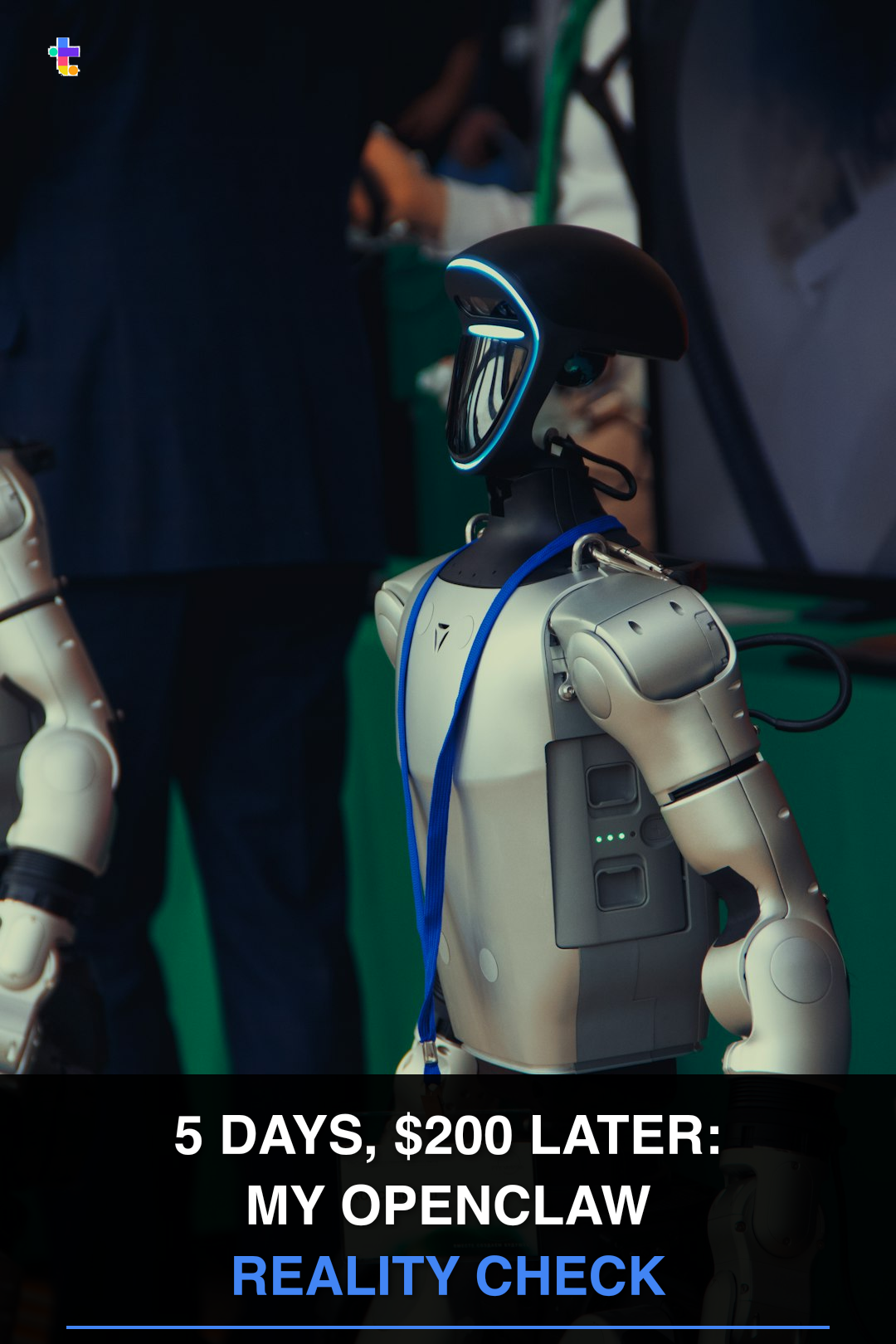
I had been hearing about OpenClaw constantly over the past few weeks but never made the time to try it. After pushing myself through an overwhelming number of tasks, I finally dedicated a full day to exploring it last Friday. The results were impressive.
That said, the process was far from smooth. I ran into several challenges along the way, so I decided to document a few key insights and practical tips. Hopefully, they make your journey a little easier than mine.
🧠 What's Openclaw
OpenClaw is a free, open-source autonomous AI assistant originally created by Austrian developer Peter Steinberger. It was first released in November 2025 under the name Clawdbot, briefly renamed Moltbot, and later rebranded as OpenClaw in early 2026.
It’s designed to function as a personal AI agent that can plan and execute multi-step tasks on your behalf. Instead of simply generating responses, it can control your computer and browser, interact with different tools, and even “learn” new skills through extensions or integrations.
What makes it particularly interesting is accessibility. You can interact with it remotely through messaging platforms like WhatsApp, essentially turning your phone into a command center for your own AI agent.
📝 Some Use Cases
Some interesting use cases I’ve seen or heard from people experimenting with OpenClaw include:
- Organising, drafting, and responding to emails
- Monitoring and replying to Slack messages
- Automating repetitive admin workflows across apps
- Running side projects autonomously, such as managing a Reddit account and generating revenue from digital products like ebooks
- Scraping and summarising online information for research
That said, the more autonomy you give it, the more important it becomes to define boundaries, permissions, and oversight. It’s powerful, but it’s not something you deploy carelessly.
📊 4 PAINFUL LESSONS (AND HOW TO AVOID THEM)
1. The Model Trap: Don't Use a Ferrari to Go Grocery Shopping
I started with Anthropic's Sonnet because, well, it's one of the strongest models out there. I basically used it for everything.
Big mistake.
Using Sonnet for daily tasks is like using a Ferrari to go grocery shopping, def an expensive overkill. Now I switch based on the task:
- Ollama (local, free) for daily tasks, organization, planning
- Deepseek for research and analysis
- Codex/Claude Code for coding tasks
- Sonnet only when I actually need high-level reasoning
My tip: Create a decision matrix. Teach your bot to choose the most appropriate model based on the task:
- General work → Ollama (fast, local, cheap)
- Deep research → Deepseek (token-efficient for long analysis)
- Vision/images → Haiku (best vision capability)
- Complex reasoning → Sonnet/Kimi (only when absolutely needed)
This simple switch cut my API costs by 70% overnight.
2. The Channel Chaos: Separate Your Digital Life
OpenClaw can connect to WhatsApp, Telegram, Discord, LINE, and more. I chose Telegram so it's separated from my personal chats.
Initially, I put everything into one chat window. Also turns out to be a bad idea.
It quickly got polluted with different tasks and projects. The work reminders mixed with personal todos mixed with random questions. Now I create separate group chats where each bot is dedicated to one project or theme.
My setup:
- Tech Arcade (this blog) → Topic brainstorming, news research, blog content and automation
- Daily tasks group → Reminders, daily news curation
- Project-specific groups → Dedicated to single initiatives
- Personal group → Just me and the bot for private stuff
This setup is much cleaner. Critical warning: If you turn on the group chat feature, remember to configure the allowlist as well so other people can't randomly use your bot or prompt inject it.
3. The Memory Problem: AI Has Alzheimer's (Unless You Fix It)
This is something I see many people struggling with. OpenClaw can forget reminders and context between sessions. So I found out that you need to explicitly tell it to save things to long-term memory. And you need a structure for what gets saved and how. (folder structure, MEMORY.md etc.) Without this structure, your bot will forget important context.
4. The Security Tightrope: Control vs. Capability
The more skills and access you give your bot, the more helpful it becomes. But that also means a bigger blast radius.
You've probably seen stories about bots buying expensive courses or deleting entire databases. Here are a few tips:
- Use allowlists - Only approved users can interact with your bot
- Review tool access - Does it really need to send emails? Modify files?
- Start limited, expand gradually - Observe how the bot operates first
- Save as drafts - Ask it to save emails or messages as drafts instead of sending directly
- Set API usage limits - So it doesn't burn through everything in one go
- Avoid autopay - Or set a low limit so it can't burn tokens if stuck in a loop (this happened to me once)
- Define boundaries - Explicitly state what it's not allowed to do
- Read the security docs - OpenClaw's website has excellent security documentation
⚠️ THE CATCH
OpenClaw isn't "set and forget." It's more like adopting a highly intelligent but occasionally clueless intern. You need a lot of hand-holding in the beginning to make sure it gets it right.
You need to:
- Train it (establish workflows, memory structures)
- Manage it (monitor costs, review outputs)
- Secure it (set boundaries, review permissions)
- Maintain it (update configurations, refine prompts)
The $200 was the tuition I paid to get it right and hopefully you can do it much cheaper.
🎯 ACTION PLAN: YOUR FIRST 5 DAYS WITH OPENCLAW
Day 1: Foundation
- Install OpenClaw locally or on cloud
- Set up basic memory structure (MEMORY.md, memory/ folder)
- Configure ONE channel (I use Telegram, but it works well with all other channels as well)
- Set strict API limits (e.g. $10/day max)
Day 2: Model Strategy
- Choose your model carefully
- If you want the lowest-cost option, you can install Ollama and run an open-source model locally. It’s free and gives you full control, but performance and reasoning ability may not match more advanced commercial models.
- If you want stronger reasoning, better task planning, and more reliable execution, consider using higher-capability models like Claude Haiku or Claude Sonnet (most expensive) as the core engine. They’re more expensive, but the improvement in consistency and decision-making is noticeable, especially for multi-step autonomous workflows.
- Create your decision matrix (which model for which task)
- Test each model with identical tasks to compare cost/quality
Day 3: Workflow Design
- Pick ONE use case (email management, content creation, etc.)
- Design the complete workflow
- Create necessary files and structures
- Test end-to-end
Day 4: Security Audit
- Review all tool permissions
- Set up allowlists
- Define explicit "do not" rules
- Test safety boundaries
Day 5: Optimization
- Analyze API usage and costs
- Identify expensive tasks
- Optimize prompts and model choices
- Document everything in your memory system
🧩 THE BIG PICTURE
OpenClaw definitely represents the next phase of AI. It can be an extremely helpful assistant to both your work and personal life if you configure it right. But with great power comes great... bills. And configuration headaches. And security concerns.
The companies that figure this out first (that learn to deploy AI assistants effectively and efficiently) will have a massive advantage. The team will get 10x more efficient.
Overall, OpenClaw has been extremely helpful, and I'm still exploring more ways to delegate tasks to it. The initial pain was real, but the payoff, when configured correctly, is transformative.
Will share more insights after more trials.